
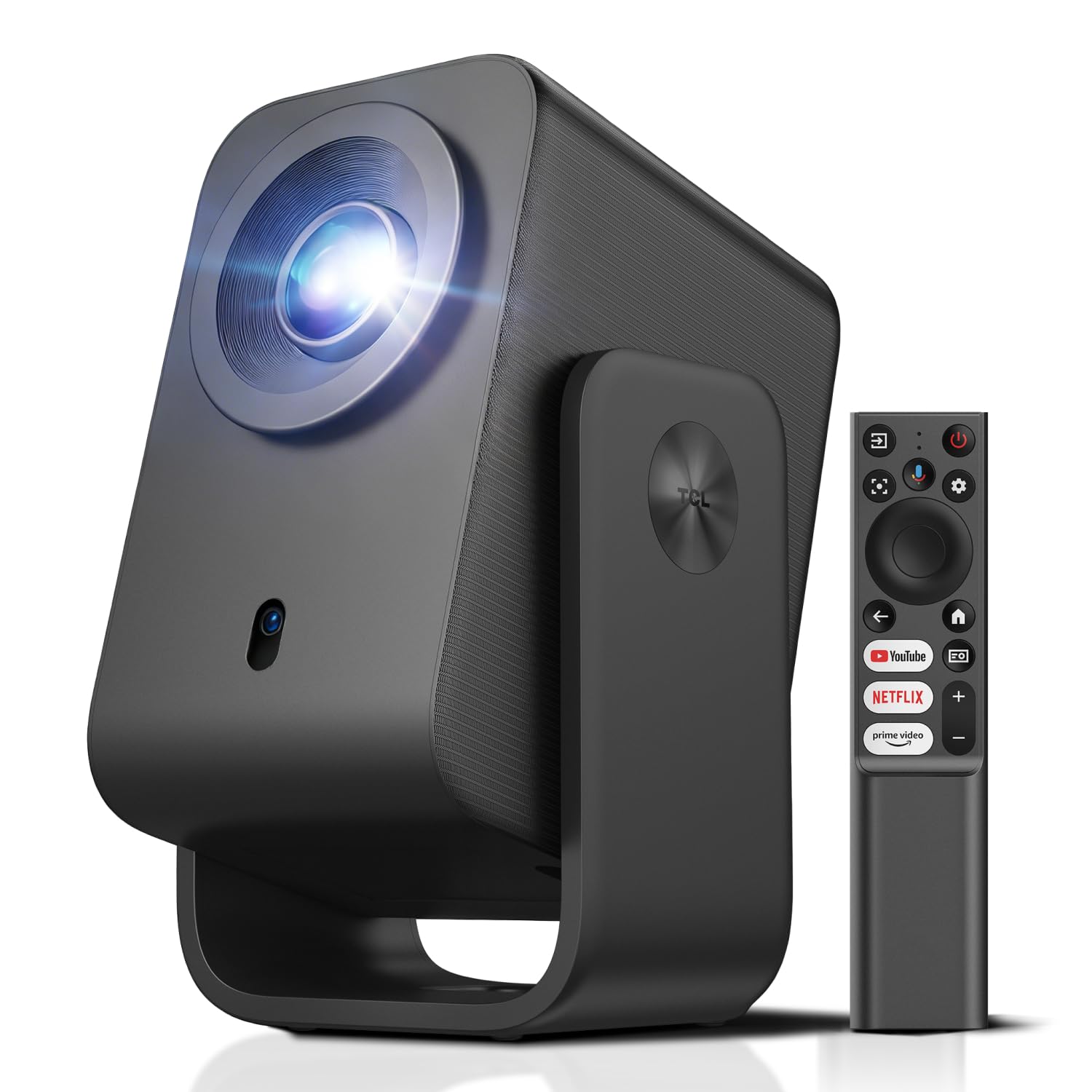
TCL C1 Native 1080P 4K Projector, Smart Google TV, Auto Focus, Wi-Fi, Bluetooth, Portable
This product is sold by Amazon
Product description
From the brand Previous page TCL Projectors Next page Product description The video shows the product in use. The video guides you through setting up the product. The video compares several products. The video shows the product being unboxed. TCL C1 4K Projector Compatibility Previous page Next page 1 Built-in Google TV 2 10,000+ built-in apps 3 Screen mirroring 4 Voice control 5 Auto focus Previous page Next page 1 Color optimization 2 Up to 70% more clarity 3 TCL EverClear Engine 4 1080p and 4K compatible 5 Extended lifespan Previous page Next page 1 8W Dolby speakers 2 Audio optimization 3 Adjustable up to 285° 4 Up to 120 inches 5 Portable and compact TCL projector comparison TCL C1 TCL A1s TCL PlayCube Brightness 230 ISO Lumens Brightness 600 ISO Lumens Brightness 750 ISO Lumens Resolution LCD / 1980 x 1080 Resolution LCD / 1980 x 1080 Resolution DLP / 1980 x 1080 Image size 40"-120" Image size 45"-150" Image size 30"-150" Connectivity HDMI 2.1, 3.5mm Audio, USB2.0 Connectivity HDMI 2.1, 3.5mm Audio, USB2.0 Connectivity HDMI 2.1, 3.5 mm Audio, USB2.0, USB-C Built-in battery No battery Built-in battery No battery Built-in battery Up to 3 hours of movie playback on a full charge What should I do if the image is too dim or the colors are unclear? Go to Settings > Display & Sound > Picture > Reset. You can also adjust Picture Mode, Contrast, Brightness, and Sharpness under Picture > Custom. How do I use a TCL smart projector as a Bluetooth speaker? 1. Go to Settings > Projector > Bluetooth Speaker Mode. 2. Turn on Bluetooth on your smartphone and select TCL Smart Projector. 3. Follow the on-screen instructions to complete the Bluetooth connection. How do I adjust the image orientation? 1. Go to Settings > Projector > Advanced Settings > Projection Mode. 2. Then select the desired image orientation. Why are background processes being stopped? To ensure optimal performance, the system limits background processes by default. This setting can be changed in Developer Options. Damaged product / Not working / Not satisfied? Please contact our team through the Amazon Message Center (Your Orders). We're here to help!