
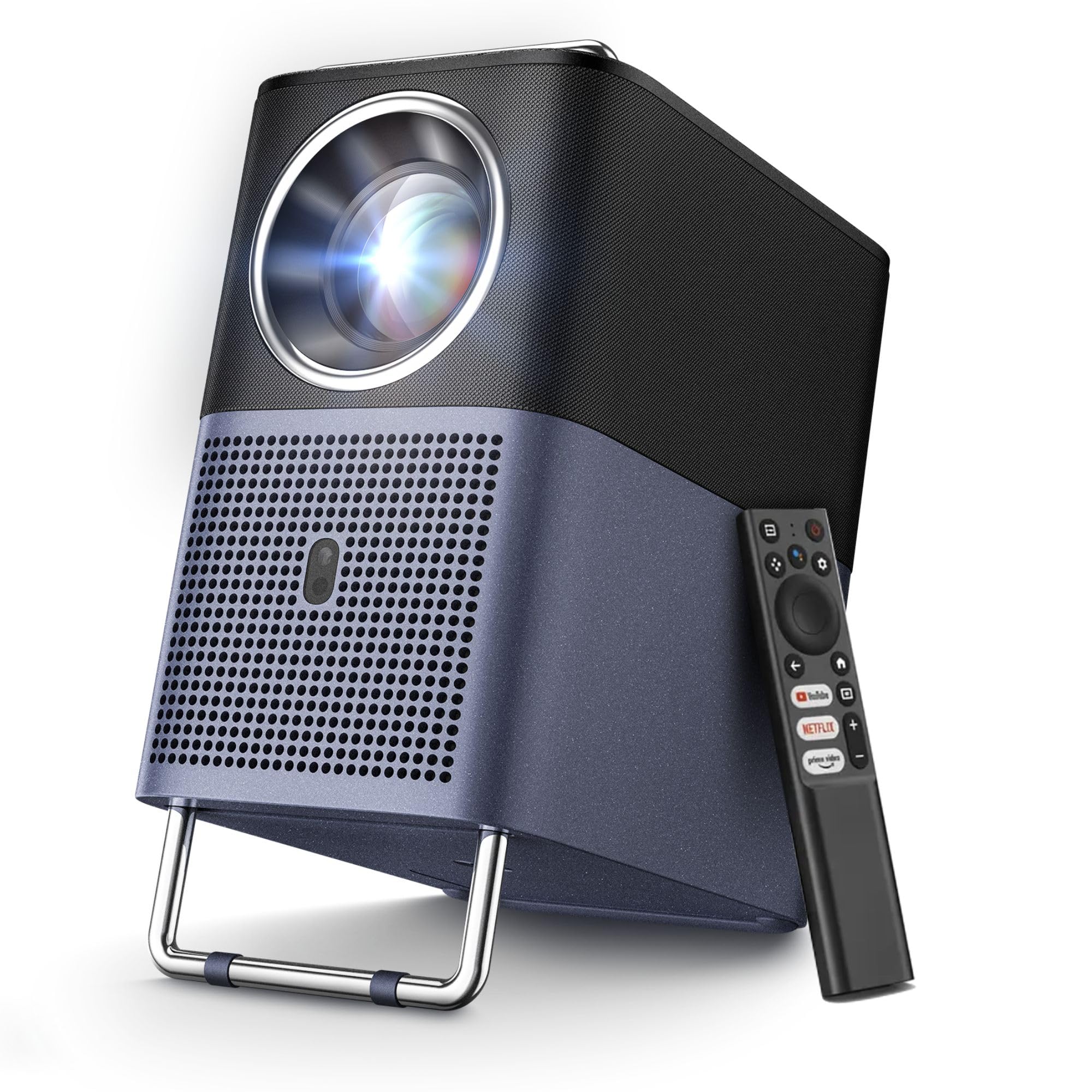
TCL A1s 4K Projector, Native 1080P, 600 ISO Lumens, Smart Google TV, 5G Wi-Fi, Bluetooth 5.1
This product is sold by Amazon
Product description
Product description The video shows the product in use. The video guides you through setting up the product. The video compares several products. The video shows the product being unboxed. TCL A1s 4K-Supported Projector Previous page 1 TCL TrueHue 2 True 600 ISO Lumens 3 Up to 70% Sharper 4 TCL EverClear Engine 5 Extended Lifespan Next page Previous page 1 Built-in Google TV 2 Google Cast 3 Voice Control 4 Automatic Adjustment 5 Enjoy It Anywhere Next page Previous page 1 Cinema-Quality Sound 2 Smart Audio Modes 3 Hear Every Whisper 4 Multiple Connections 5 Portable Design Next page TCL Projector Comparison TCL C1 Projector Brightness: 230 ISO Lumens Resolution: LCD / 1980 x 1080 Image size: 40"–120" Connectivity: HDMI 2.1, 3.5 mm audio, USB 2.0 Built-in battery: No battery TCL A1s Projector Brightness: 600 ISO Lumens Resolution: LCD / 1980 x 1080 Image size: 45"–150" Connectivity: HDMI 2.1, 3.5 mm audio, USB 2.0 Built-in battery: No battery TCL PlayCube Projector Brightness: 750 ISO Lumens Resolution: DLP / 1980 x 1080 Image size: 30"–150" Connectivity: HDMI 2.1, 3.5 mm audio, USB 2.0, USB-C Built-in battery: Up to 3 hours of movie viewing on a full charge Does the projector have built-in speakers? Yes. It features powerful 2.0 stereo speakers (16 W rated power, up to 85 W peak power), delivering immersive sound that fills the room. How can I watch videos on Google TV, Netflix, YouTube, etc.? The projector gives you direct access to Netflix, Google TV, YouTube and much more, without needing an additional device. It comes with more than 10,000 preinstalled apps for entertainment, gaming and work. How do I use a TCL smart projector as a Bluetooth speaker? 1. Go to Settings > Projector > Bluetooth Speaker Mode. 2. Turn on Bluetooth on your smartphone and select TCL Smart Projector. 3. Follow the on-screen instructions to complete the Bluetooth connection. What do I need to do to connect a PC to my TCL smart projector with an HDMI cable? 1. On the home screen, select Inputs. 2. Choose HDMI. 3. The HDMI connection screen will appear. 4. Connect your PC to the projector using an HDMI cable. What should I do if the sound is unclear? 1. Go to Settings > Display & Sound > Sound. 2. Select a sound mode suited to your listening environment. From the brand Previous page TCL Projectors Next page