
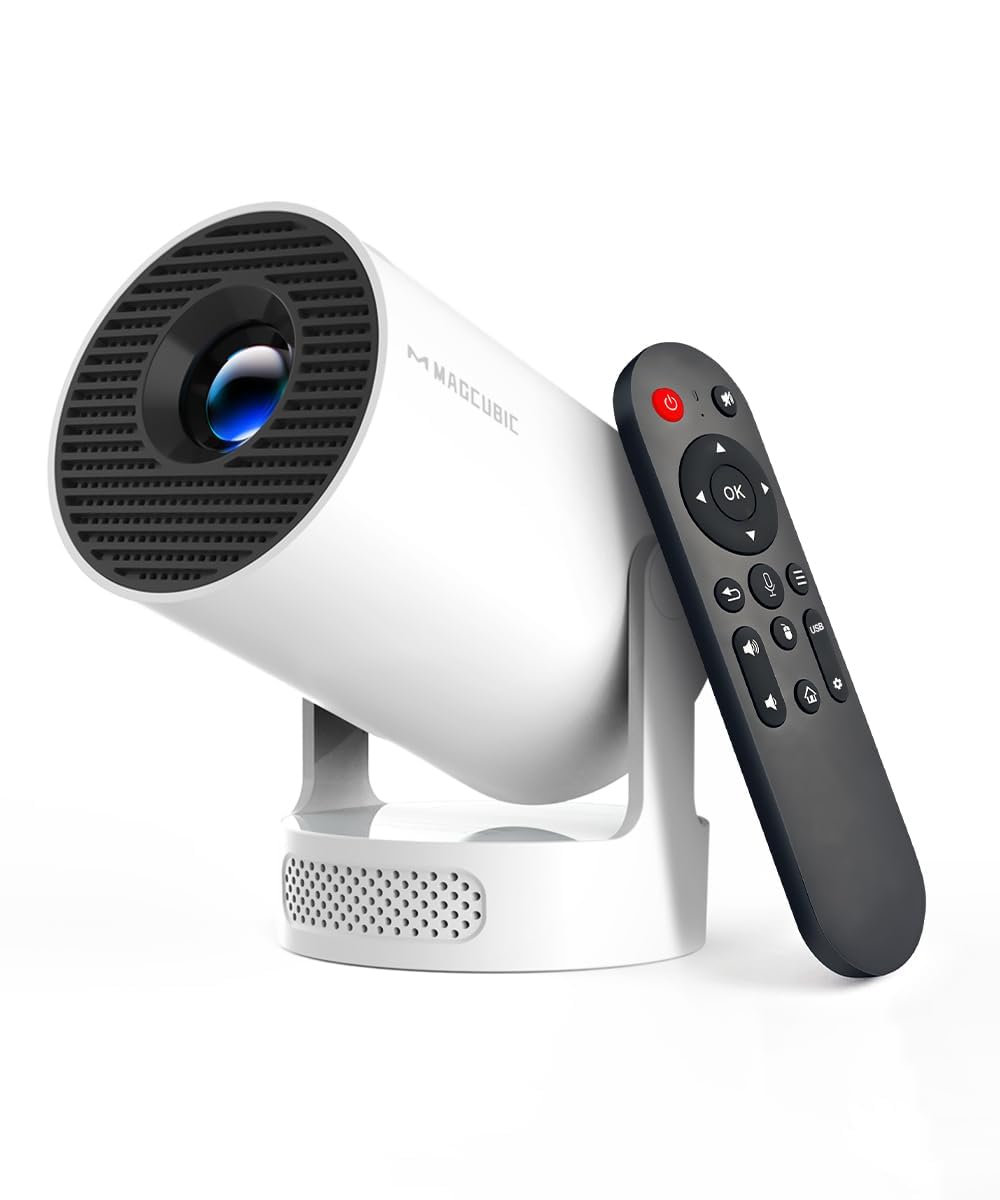
Magcubic Portable 4K Projector with Built-In Apps
This product is sold by Amazon
Product description
Product Description Previous page Next page Previous page Next page Previous page Next page FAQ Why update OTA? To ensure optimal performance and enjoy our latest features and updates, please update to the latest software version before first use. Go to Settings > About device > Online update. Can I use it during the day? Due to its brightness limitations, the projector is best suited to dark environments, such as a garden at night, a campsite after sunset, a living room with the curtains closed, or a bedroom with the lights off. About content restrictions Due to the HDCP (High-bandwidth Digital Content Protection) agreement, screen mirroring may not work properly (no picture or sound) when you try to mirror content from certain apps such as NEFX, Hulu, etc. Manual focus? To let you adjust the sharpness of your projection, the HY300Pro+ projector is equipped with an internal gear mechanism. Simply turn the gear to adjust the focus and get the clarity you want. How do I get a square image? Automatic keystone correction works best when the projector lens is facing the wall. If the results are unsatisfactory: 1. Place the projector on a flat surface, with the lens perpendicular to the wall. 2. Go to Settings > Projection settings > Keystone correction > Initial angle correction. 3. If needed, turn off automatic correction and adjust manually for optimal alignment. Adjusting image settings If you’re not satisfied with the initial image quality, you can fine-tune the display settings in User mode. Go to Settings > Projection settings > Display settings to customize and optimize your image. Can't connect to Wi-Fi? 1. Place the HY300Pro+ and router within 16 feet (5 meters) of each other. Check whether other devices can connect to Wi-Fi. 2. Check the time zone under Settings > Date & time > Time zone. 3. Try another Wi-Fi network or use your phone’s hotspot. 4. Test both the 2.4 GHz and 5 GHz bands on your router. 5. Reset the HY300Pro+ via Settings > Other settings > Restore factory settings. iOS screen mirroring? 1. Make sure your device is up to date. Go to Settings > About device > Online update. 2. Open the ScreenCast app. 3. Use AirPlay on your iOS device, making sure both devices are connected to the same Wi-Fi network. Air Mouse remote control Some apps are designed for mobile devices and require mouse mode for navigation. Here’s how to enable the air mouse: 1. Open the Bluetooth settings on your device. 2. Press and hold the Left and Right buttons simultaneously to enter pairing mode. 3. Press the Mouse icon on the remote to activate the air mouse. 4. Move your wrist to control the cursor. Projection distance? The distance between the projector and the projection surface should be between 0.6 m and 2.5 m to produce an image from 40" to 110". Why is the fan noisy? The projector generates heat during operation, so fan cooling is normal. If the vents are blocked (for example, if the projector is too close to a wall, placed on a soft surface, or the grilles are covered), heat builds up and the fan runs faster and gets louder. Please leave 10–20 cm of clearance on all sides and do not cover any vents. Magcubic: Project Your Imagination Magcubic HY300Pro+ | Add to cart Magcubic HY300Pro | Add to cart Magcubic HY300 Ultra | Add to cart Magcubic HY310 | Add to cart Magcubic HY300F | Add to cart Magcubic HY320RO | Add to cart Customer reviews 4.3 out of 5 stars — 649 4.2 out of 5 stars — 10,718 4.2 out of 5 stars — 10,718 4.2 out of 5 stars — 634 4.1 out of 5 stars — 151 4.1 out of 5 stars — 320 Price €69.99 €59.99 €71.99 €75.99 €54.99 €99.99 Display resolution 720P Native 720P Native 720P Native 1080P Native 720P Native 1080P Native Focus mode Manual focus Manual focus Electric focus Auto focus Manual focus Auto focus Brightness 200 ANSI 200 ANSI 260 ANSI 260 ANSI 200 ANSI 400 ANSI Keystone correction Auto vertical correction Auto vertical correction Auto vertical correction Auto vertical correction Auto vertical correction Auto Speaker 5W Soundbase speaker Built-in 3W speaker 5W Soundbase speaker 5W Soundbase speaker 5W Soundbase speaker 5W Soundbase speaker Weight 660 g/1.45 lb 750 g/1.65 lb 904 g/1.99 lb 900 g/1.98 lb 565 g/1.25 lb 593 g Connection Bluetooth 5.4 Bluetooth 5.4 Bluetooth 5.4 Bluetooth 5.4 Wi-Fi 6 + Bluetooth 5.4 Bluetooth 5.4 From the brand Previous page Next page