
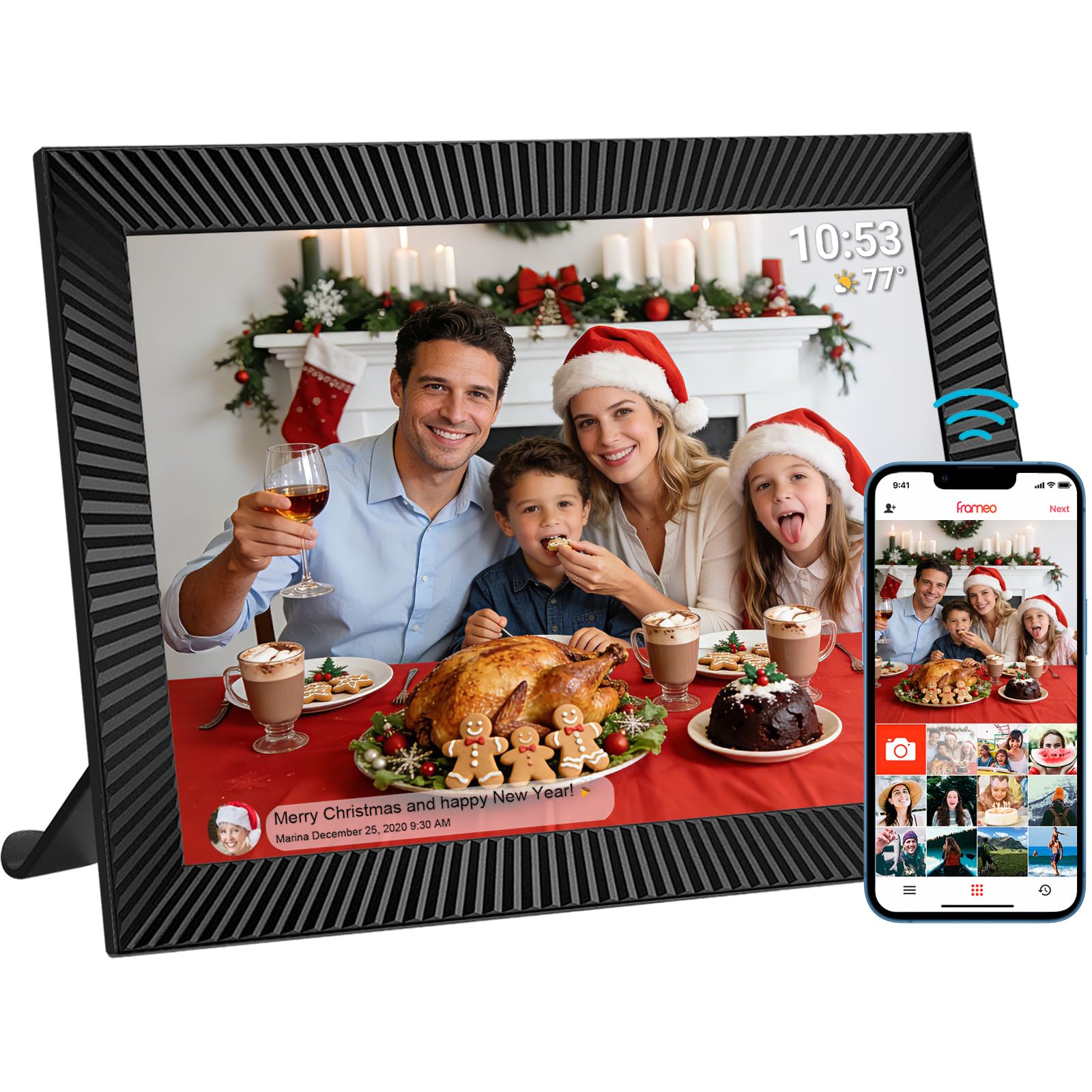
Frameo 10.1" Digital WiFi Photo Frame, 32 GB, IPS Touchscreen, 1280 x 800
This product is sold by Amazon
Product description
Product description 10.1-inch Wi-Fi digital photo frame – compatible with the Frameo app The video shows the product in use. The video guides you through setting up the product. The video compares several products. The video shows the product being unboxed. Frameo Digital Photo Frame Previous page Next page 1 Frameo app 2 Download Frameo 3 Send a photo 4 Interactions 5 Private and secure Previous page Next page The video shows the product in use. The video guides you through setting up the product. The video compares several products. The video shows the product being unboxed. Quick Start Guide Frameo photo frame – Quick Start Guide 1. Getting started: Plug it in → the frame turns on. Set the language, Wi-Fi, date/time, name and location. 2. Frameo app: Download Frameo from the App Store (iOS/Android). 3. Connect: On the frame, select “Add friend” → get the 12-digit code (valid for 12 hours). In the app, tap “+” → enter the code → confirm. Repeat for family members. 4. Send: Open the app → select up to 9 photos/videos (more with Frameo+ only), add optional text → send. The video shows the product in use. The video guides you through setting up the product. The video compares several products. The video shows the product being unboxed. Digital Photo Frame & Calendar Frameo photo frame and calendar – much more than just a digital photo frame: it’s now your smart family hub for appointments. With the new digital calendar feature, you can see your daily appointments right alongside your favorite photos – with no extra cost or separate setup. Benefits: 1. Photos and calendar on one screen. 2. Free update for all frames, new or old. 3. Photo sharing stays the same – the calendar is a bonus. The video shows the product in use. The video guides you through setting up the product. The video compares several products. The video shows the product being unboxed. Frameo Digital Photo Frame – Collage Mode With Collage Mode, users can view several photos at once during the slideshow. Bring your memories together in one shared image. The video shows the product in use. The video guides you through setting up the product. The video compares several products. The video shows the product being unboxed. Introducing Greetings One for every occasion Previous page Next page New feature: Calendar Previous page Next page About the brand Previous page Precious moments Precious moments – for 20 years We create stylish, intuitive digital frames that bring memories to life. Award-winning, we are trusted by millions of households around the world as a partner for your special moments. Innovative. More stylish. Every glance = a warm memory. Frameo Digital Photo Frame Next page